How do I import a song from TikTok?
Last updated August 20, 2026
The fastest way is TikTok's own share sheet: tap the Share arrow on the video and choose Anything Piano from the app row. If you'd rather paste, copy the link, open Anything Piano, tap +, and choose TikTok Link. Either way, the sound becomes a piano roll you can practice.
Share straight from TikTok
- In TikTok, open the video and tap the Share arrow.
- In the row of apps, tap Anything Piano. The first time, you may need to scroll to the end of the row and look under More, since iOS tucks new apps away until you've used them once.
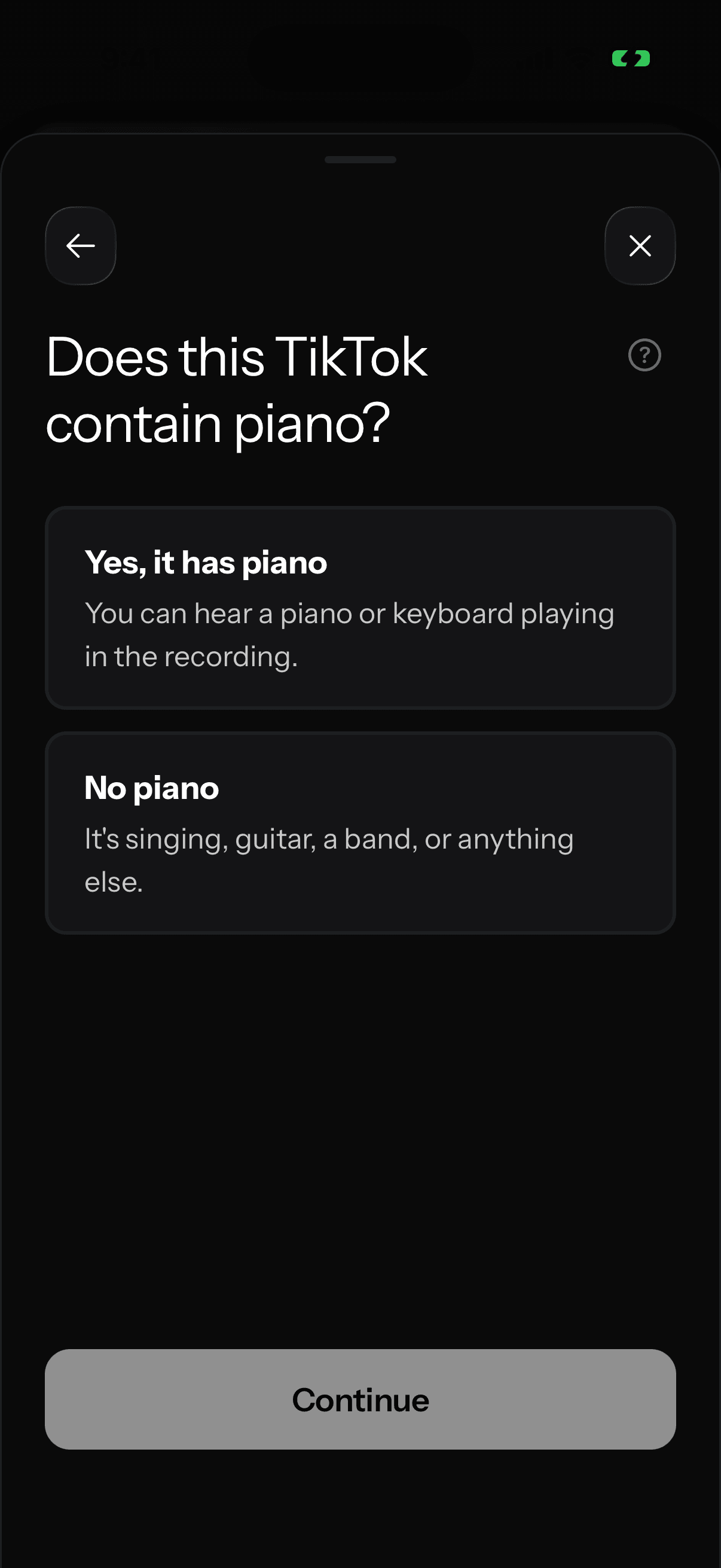
- Anything Piano opens and asks Does this TikTok contain piano? Answer, and the conversion starts.
Or paste the link
- In TikTok, tap Share, then Copy link.
- Open Anything Piano and tap +. If the link is still on your clipboard, a Paste from clipboard suggestion appears at the top of the menu, and one tap uses it. Otherwise, choose TikTok Link and paste.
What the piano question means
If the TikTok is someone actually playing piano and you want their exact notes, choose Yes, it has piano. If it's a regular song (singing, guitar, a whole band), choose No piano and we blend the melody and instruments into one piano arrangement you can play. There's no wrong answer here, only a different result, and you can always run the same video again the other way.
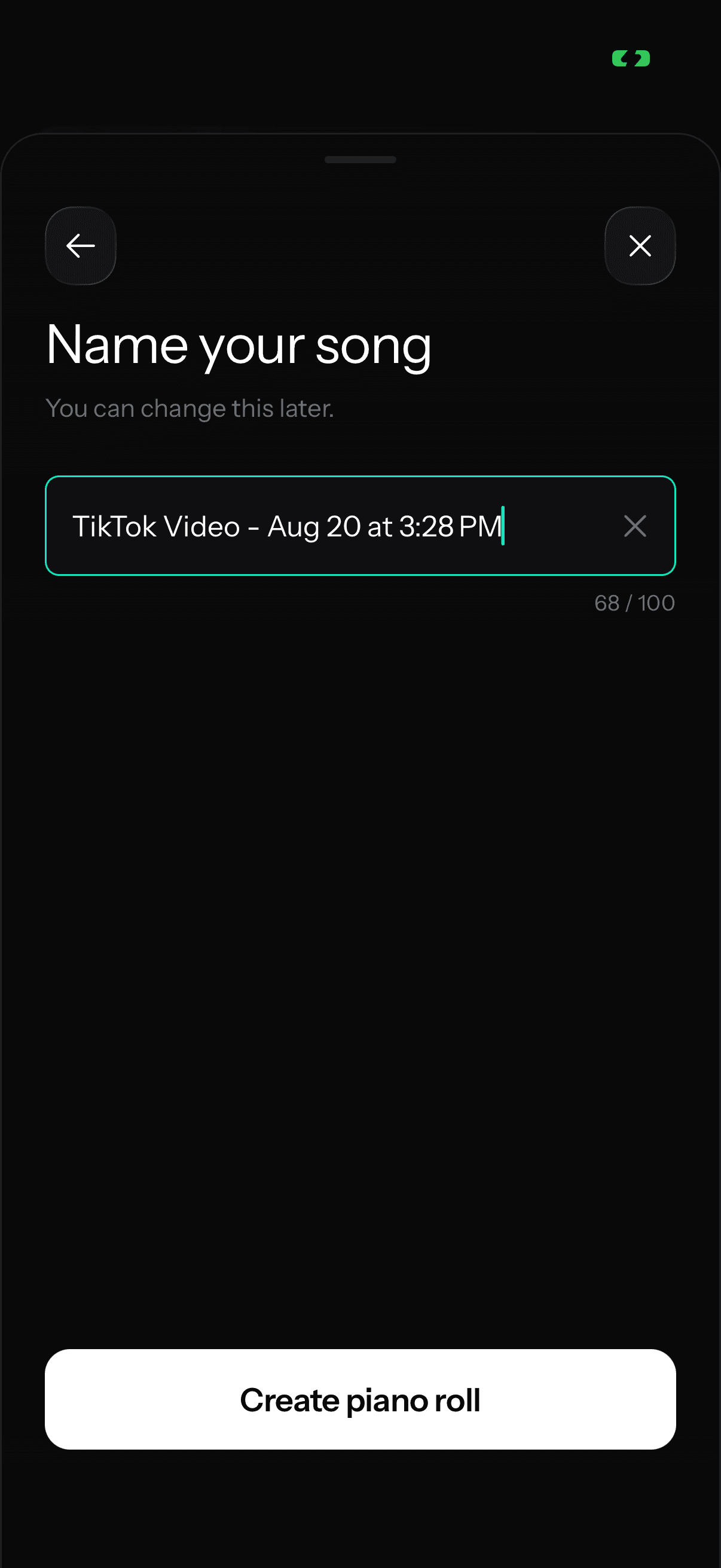
Why your song is named "TikTok Video"
TikTok doesn't tell us the name of the song in a video, so the Name your song field comes prefilled with "TikTok Video" and the date. Type your own name over it before you tap Create piano roll, or fix it later: long-press the song in My songs and tap Rename.